
News
What to do if WhatsApp stops working on your phone after May 5


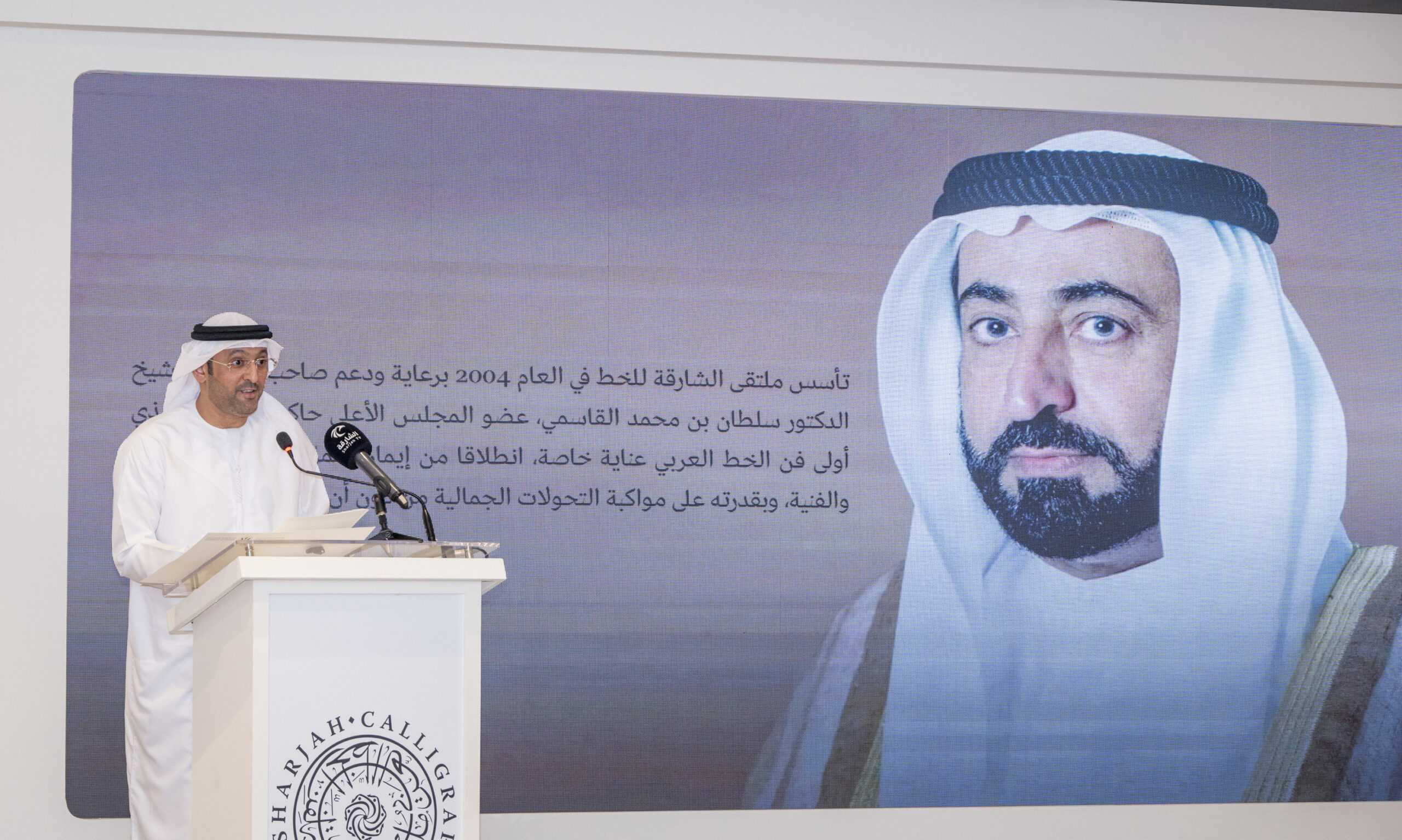
The 12th Sharjah Calligraphy Biennial will open on October 7 under the patronage of His Highness Sheikh Dr. Sultan bin Mohammed Al Qasimi, Member of the Supreme Council and Ruler of Sharjah, bringing together 272 Arab and international artists and featuring 681 artworks across a programme of 93 events.
Running through November 15, the Biennial will transform venues across Sharjah into spaces dedicated to Arabic calligraphy, contemporary art and cultural dialogue. Locations include Calligraphy Square, Sharjah Art Museum, House of Wisdom, University of the Arts Sharjah and 1971 – Design Space.
The programme was announced by Mohammed Ibrahim Al Qaseer, Director of the Directorate of Cultural Affairs at Sharjah’s Department of Culture and Director of the Biennial, during a press conference attended by Abdullah Al Owais, Chairman of Sharjah’s Department of Culture, participating artists and media representatives.
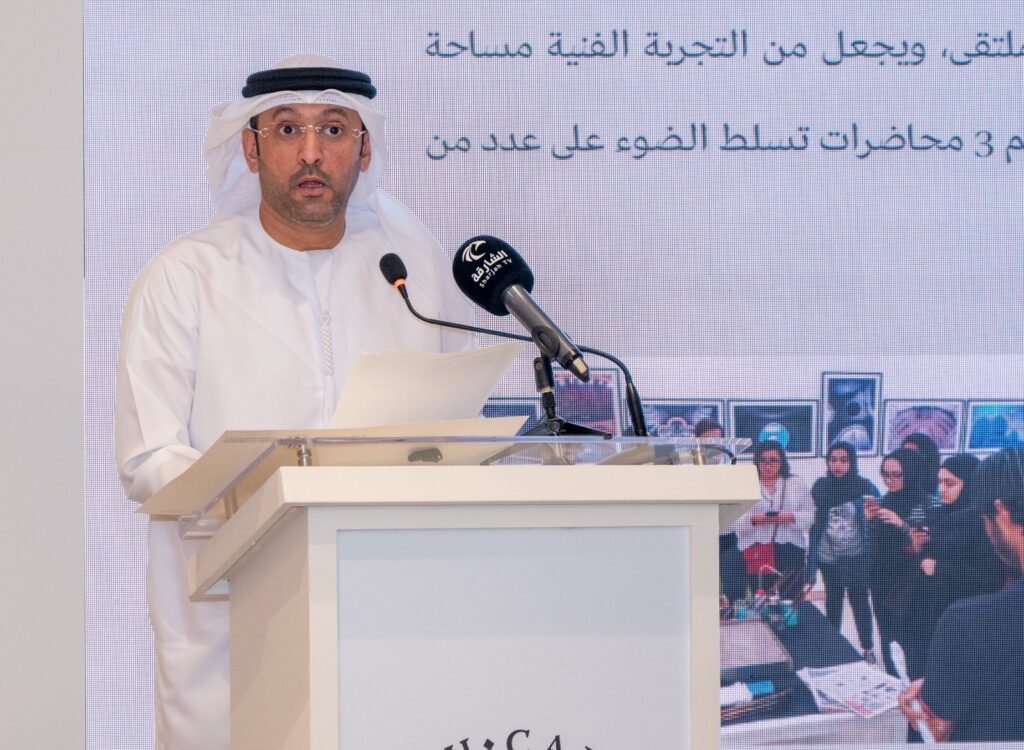
(Mohammed Ibrahim Al Qaseer, Director of the Directorate of Cultural Affairs at Sharjah’s Department of Culture and Director of the Sharjah Calligraphy Biennial, speaks during the press conference announcing the 12th Sharjah Calligraphy Biennial. Photos by Muhammad Sajjad)
Balance takes centre stage
Held under the theme Balance, the 12th edition explores one of the fundamental principles of Arabic calligraphy: harmony between proportion, precision, letters and space.
Al Qaseer said the Biennial’s continued development has helped strengthen the international presence of Arabic calligraphy, while creating new opportunities for artists to connect the traditional art form with contemporary artistic practices.
The Sharjah Calligraphy Biennial was established in 2004 under the patronage and support of the Ruler of Sharjah and has since developed into an international platform for calligraphers, artists and researchers. Sharjah’s Department of Culture says the 12th edition will feature local, Arab and international participation.
26 exhibitions, 61 workshops
The Biennial programme includes 26 exhibitions and 61 art workshops, alongside lectures, seminars and visual presentations.
The participating artists represent countries across the Arab world, including the UAE, Saudi Arabia, Kuwait, Egypt, Morocco, Jordan, Iraq, Lebanon, Syria, Bahrain, Oman, Libya, Yemen and Tunisia. International participation includes artists from Italy, Sweden, China, Canada, India, Pakistan, Malaysia, Germany, Turkey, Indonesia and other countries.
The 681 works span traditional calligraphy, modern and contemporary lettering, installations, murals and Islamic ornamentation.
Major exhibitions include Hilya Sharifa, Balance and Pioneers at Sharjah Art Museum. The museum will also host photography exhibitions exploring the relationship between the Arabic letter, visual culture and photography.
At House of Wisdom, Bymizan: From the Dot to the Meaning will examine the journey of the Arabic letter from its foundational dot to its completed visual and semantic form.
Other exhibitions will be presented at Emirates Society for Arabic Calligraphy and Islamic Ornamentation, Emirates Fine Arts Society, 1971 – Design Space and University of the Arts Sharjah.
International seminar on Arabic calligraphy
House of Wisdom will also host an international seminar titled Arabic Calligraphy Between Authenticity and Global Pioneering. The programme will bring together researchers, academics and artists to discuss the evolution of Arabic calligraphy and its place within contemporary global art.
The Biennial is expected to welcome around 100 guests, including media professionals, lecturers, calligraphers and workshop facilitators.
Three calligraphers to be honoured
The 12th edition will honour three prominent figures in Arabic calligraphy: Khalifa Elshimy of Egypt, Belaid Hamidi of Morocco and Ali Al Hammadi of the UAE. The three artists were previously announced among the honourees for the 2026 edition.
The Biennial will also present awards for outstanding works in its General Exhibition, including the Grand Prize, awards for traditional calligraphy, modern and contemporary calligraphic arts, and a special jury award for an Emirati calligrapher.
The General Exhibition itself reflects the Biennial’s focus on both heritage and innovation, bringing together traditional approaches alongside modern lettering and installation-based works.
With its international participation and extensive exhibition and educational programme, the Sharjah Calligraphy Biennial 2026 aims to reaffirm Arabic calligraphy as a living art form—rooted in heritage while continuing to evolve within the global contemporary art scene.


Tributes have poured in after the son of former Chelsea star Eddie Newton was found dead alongside his friend following a hike in the UAE, where temperatures soared to 50C.
Cassius Newton, 34, and his friend Aran Martinson, 33, were found by rescuers on July 18 after setting out on a hike in the mountainous Wadi Naqab region.
The pair, from Dorset and Essex respectively, both lived and worked in the UAE. Their bodies were discovered between 3km and 4km from their vehicle.
According to a report, Chelmsford area coroner Michelle Brown said their provisional causes of death included cardiac and respiratory arrest.
Cassius, a non-league footballer, was the son of former Chelsea midfielder and coach Eddie Newton, who spent more than a decade with the club.
His wife was in the UK when she became concerned after Cassius failed to contact her following the hike and reported him missing.
The two men had been living at a luxury resort in Ras Al Khaimah.
Tributes after desert tragedy

Tributes poured in after the deaths.
Aran’s wife described him as “incredibly driven, hardworking and ambitious”, saying he had recently begun a new chapter in his career and was excited about the future.
Blackfield & Langley Football Club paid tribute to their former player, saying: “It is with heavy hearts that we share the sad news of the passing of former player Cassius Newton; our thoughts and deepest sympathies are with his family and friends during this difficult time.”
National League club Eastleigh, where Cassius had previously played, said it was “deeply saddened” by his death.
Chelsea connection

Cassius’ father Eddie Newton played for Chelsea from 1990 to 2001 and famously scored in the club’s 1997 FA Cup final victory.
The former midfielder also represented Cardiff City, Birmingham City, Oxford United and Barnet.
After retiring as a player, Newton moved into coaching, working as assistant manager at MK Dons and West Brom before returning to Chelsea.
He later served as assistant manager under Roberto Di Matteo and Rafael Benítez.
(With inputs from BBC, The Sun)

Dubai Investor Expands Global Footprint with London Investment Firm

Dubai Miracle Garden returns as UAE’s cooler season begins


